
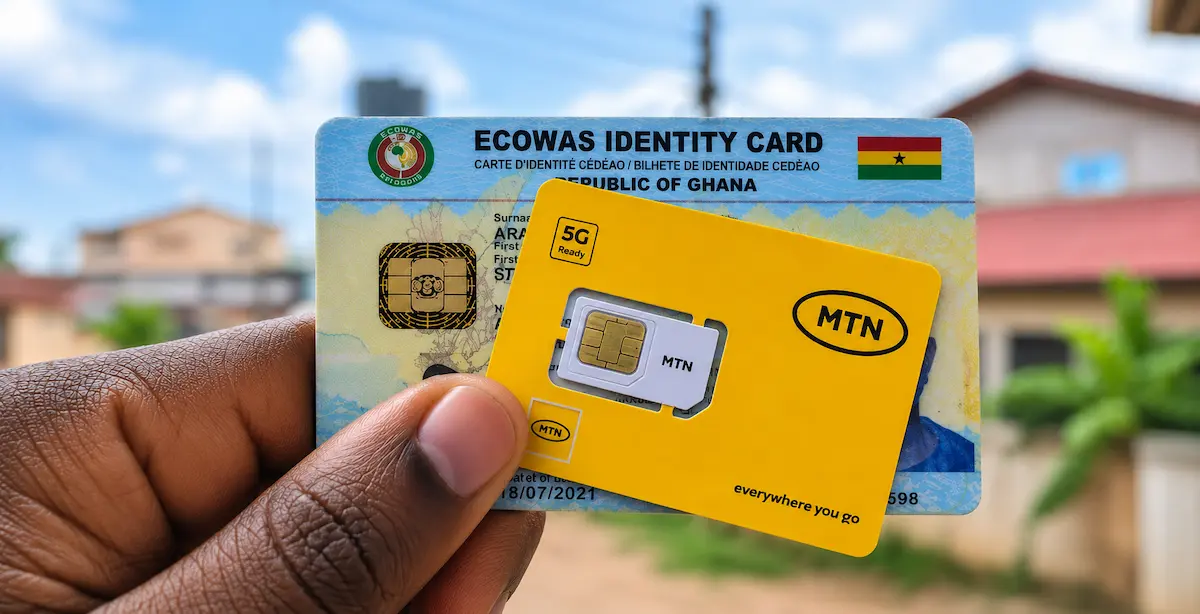
The Ghana Card has now become the main identification document for all SIM card registrations in Ghana. As part of the government’s SIM registration exercise, every mobile user is required to link their SIM cards to their Ghana Card in order to continue using mobile services without interruption.
According to the Ministry of Communications and Digitalisation, each Ghana Card holder is allowed to register or link up to ten different SIM cards across all networks. This means if you own multiple numbers for personal or business use, you must ensure they are properly registered and linked to your Ghana Card.
Failure to complete this process may result in your SIM card being deactivated after the official deadline.
In this guide, we explain how to link multiple SIM cards to your Ghana Card using both short code registration and online portals.
Methods for Linking Multiple SIM Cards to Your Ghana Card
Currently, there are two main ways to complete SIM registration or linking:
- Using the SIM registration short code (all networks)
- Using the MTN SIM registration portal (MTN users only)
Let’s go through each method step by step.
Method 1: Register or Link SIM Card Using Short Code (*404#)
This method works for all mobile networks in Ghana.
Steps to Follow
- Insert the SIM card you want to register into your phone.
- Dial *404#.
- Enter your Ghana Card PIN (without hyphens).
- Confirm your Ghana Card PIN.
- Enter your surname.
- Enter your first name or names.
- Enter your date of birth in the format DDMMYYYY.
- Select your gender.
- Confirm all the details provided.
- Submit your information.
After completing these steps, you will receive a unique code via SMS. You may then be required to visit your service provider or an authorized registration point to finalize the process.
Method 2: Link SIM Card via MTN SIM Registration Portal
MTN users can also complete SIM registration online through the official portal.
Steps to Follow
- Visit the MTN SIM registration portal:
https://simregistrationportal.mtn.com.gh/ - Accept the terms and conditions.
- Enter the phone number you want to register.
- Confirm the One Time Password (OTP) sent to your number.
- Fill in your personal details, including your Ghana Card information.
- Upload a clear image of your Ghana Card (front and back).
- Review all details carefully.
- Submit your application for verification.
Once completed, you will receive confirmation of your registration status.
Important Things You Should Know
When linking multiple SIM cards to your Ghana Card, keep the following in mind:

- Each SIM must be registered individually.
- The SIM must be active during the registration process.
- You can register up to ten SIM cards under one Ghana Card.
- You must ensure all details entered match your Ghana Card information exactly.
- Some registrations may require a final verification at a service centre depending on your network.
There have also been cases where customers are asked to complete verification at official service centres, especially if there are inconsistencies in the information provided.
What Happens If You Don’t Link Your SIM?
If you fail to link your SIM card to your Ghana Card, your number may be restricted or completely deactivated after the deadline announced by the authorities. This could affect your ability to make calls, use mobile money, or access data services.
Is There a Future App for SIM Registration?
The government has hinted at plans to introduce a dedicated application that will make Ghana Card SIM linking easier and more convenient. Once launched, it is expected to reduce the need for physical visits to service centres and simplify the entire process.
Final Thoughts
Linking your SIM cards to your Ghana Card is now a mandatory requirement in Ghana. Although the process may seem repetitive when registering multiple numbers, it is straightforward once you follow the correct steps.
Whether you choose the short code method or the MTN portal, the most important thing is to ensure all your numbers are properly registered to avoid disruptions in service.
If you use multiple SIM cards for business or personal communication, it is best to complete the process early and verify each registration to stay fully connected.